Automations are currently in private alpha and only available to a limited
number of users. APIs might change before GA.To use the methods on this page, you must upgrade your Resend SDK:
npm install resend@6.10.0-preview-workflows.3
Contact us if you’re interested in testing
this feature.
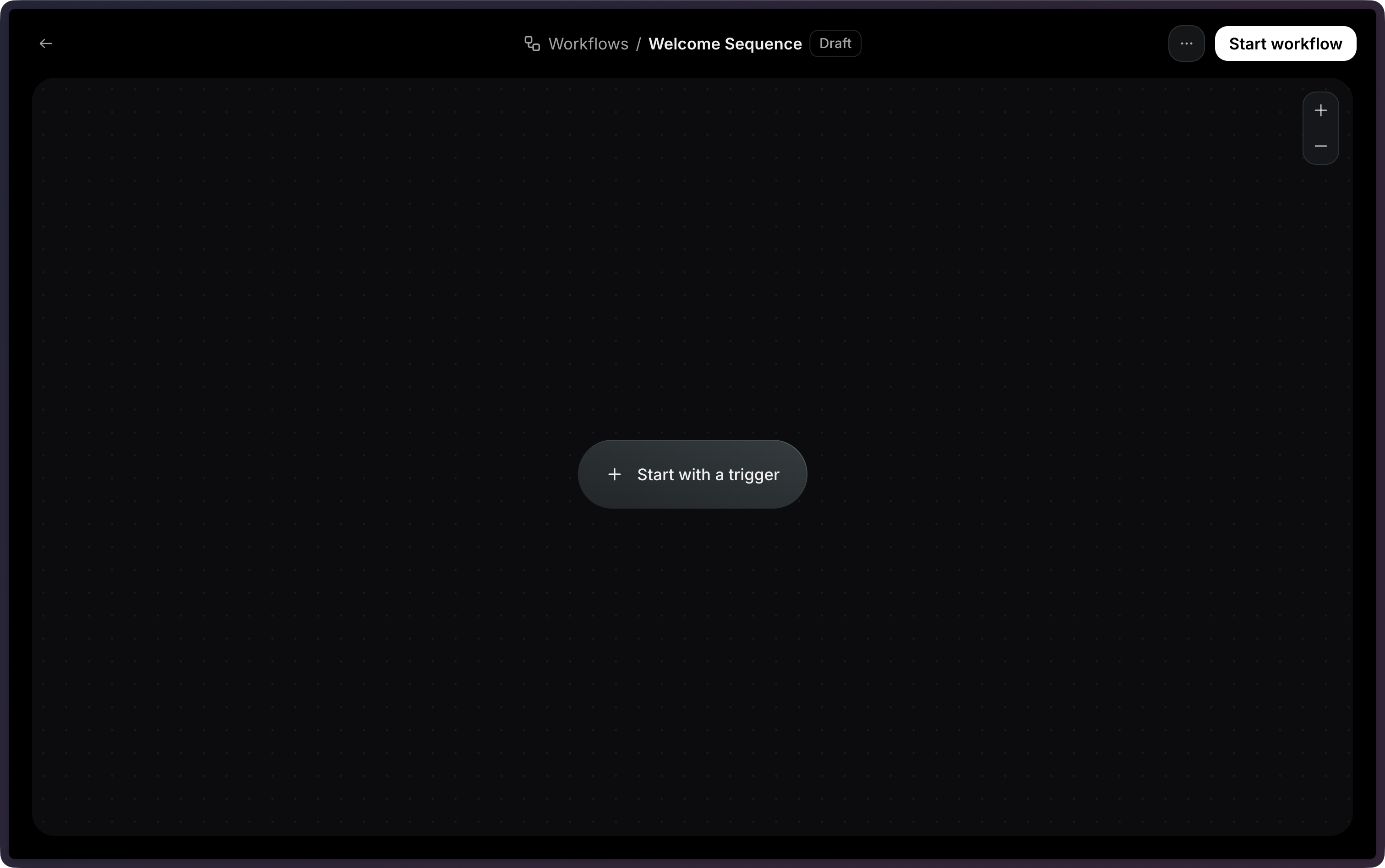
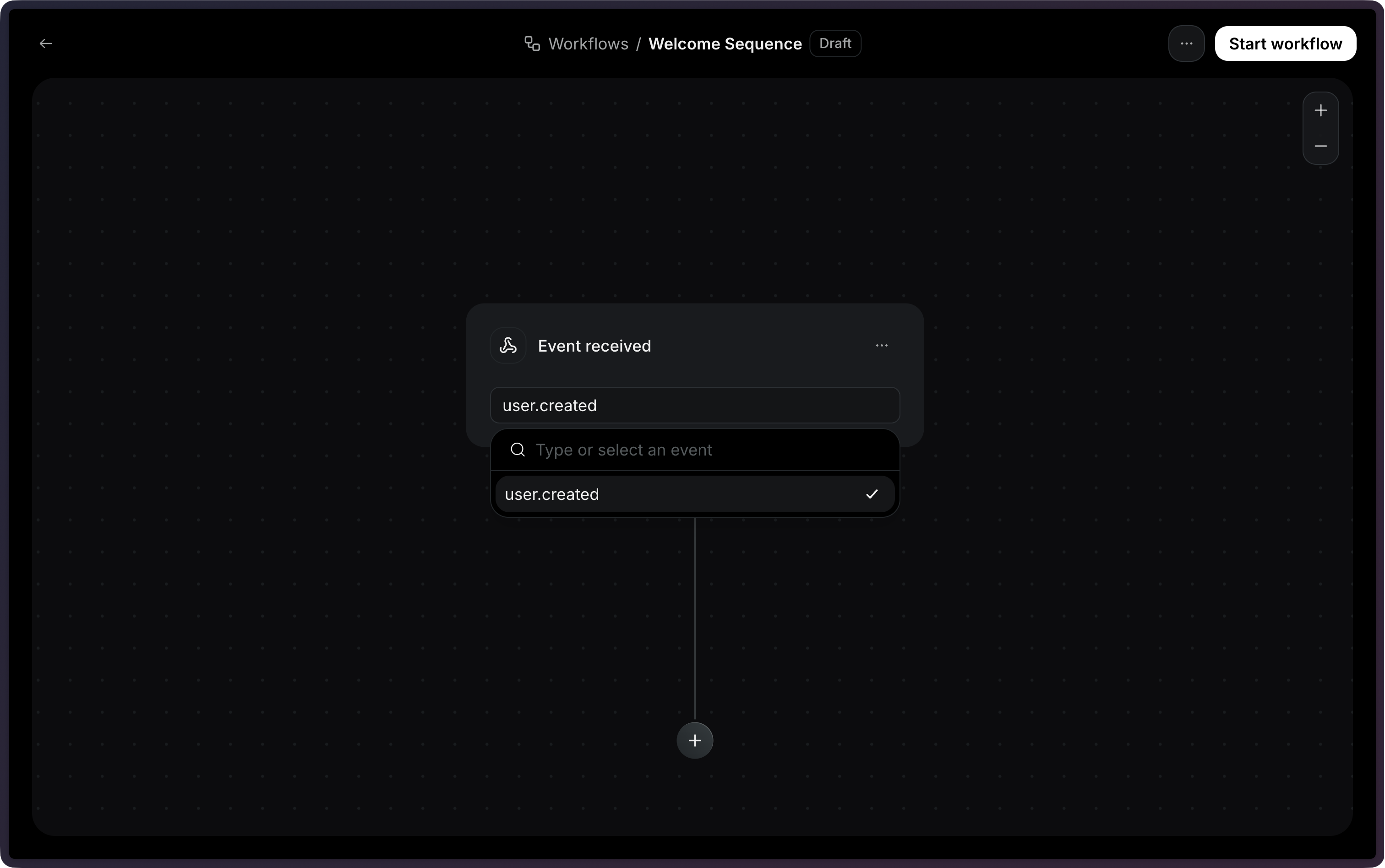
Automations allow you to automate email actions based on custom events from your application.You can use Automations for use cases like:
Now, we need to define the actions that will be executed.On this example, we will use the Send email action.But you could also add a Time delay or True/false branch action.Once you select the Send email action, you will be able to select an existing template.
Note: Only published templates are available to be used in an Automation.
With the template selected, you will be able to configure the email subject and sender address.Once you’re done with the email, you can click on Start automation to enable the Automation.
After sending events, you can monitor your Automation executions through Runs. Each time an event triggers an Automation, a Run is created to track the execution.Learn how to:
View Run statuses and execution details
Filter Runs by status (running, completed, failed, cancelled)
Debug failed Runs with step-level error information